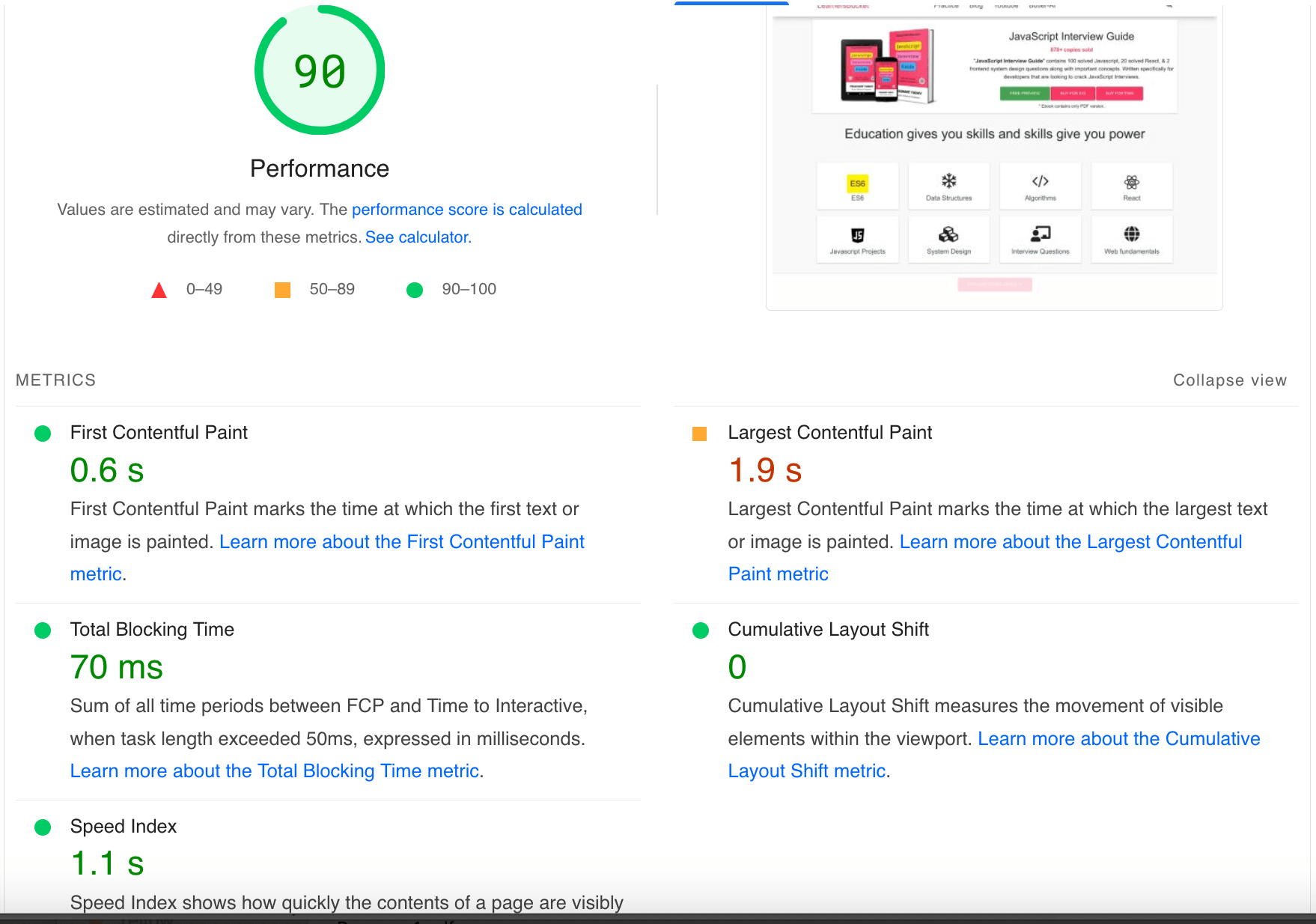
Let us learn about code splitting and understand how it helps to load websites faster.
Modern frontend frameworks have really boosted the development speed at which the websites are being built with all the necessary boilerplates pre-defined and developers have to just focus on the business logic.
The Client-Side rendering approach is where the static files will be loaded once and then all the UI update logic will be abstracted to the client itself and only data will be fetched from the server. Depending upon the data, the UI will be dynamically rendered or changed, even the routing logic resides on the client side.
Though this has really made the web apps blazing fast, because the whole UI update and change is happening on the client side, the amount of Javascript code needed has increased.
Contrary to server-side rendering where the HTML was generated by the server and transferred over the network for the browser to display them and minor UI changes with JavaScript, now with the client-side approach the whole HTML is generated on run-time.
To generate the complete HTML on demand, libraries such as React and ReactDOM are used along with React-Router-DOM to manage the routing on the client and many other third-party libraries that will be required for the web applications.
Shipping all this amount of code, along with the polyfills, heavily increases the bundle size.
A 2018 poll found that the average javascript bundle size on mobile devices was 350 kb compressed; uncompressed, the size of the file is between 800 and 900 kb.
After transferring the 350kb compressed file, it will be uncompressed, parsed, and compiled in the browser which is an expensive thing for performance. This affects many metrics that impact the Search Engine Optimization like Time To Interactive, First contentful paint, etc.
To solve this issue we can use the Code-Splitting technique that splits the JavaScript and CSS bundle into different bundles (chunks) so that they can be loaded in parallel and on demand.
Splitting the bundle into smaller files helps to separate the required and not-required things and lazy load the not-required things when they are required. Though it does not reduce the overall bundle size (perhaps increase it a bit), but being split in part helps to load and process them faster.
Often, there is one main bundle main.123455.js that loads initially, it holds all the core components that are required to load the website and then there is main.123455.js.map that holds the mapping details for other components on when they need to be loaded.
The code-splitting takes place when the production build is being created and the anatomy of the files looks like [name].[hash].js or [name].[hash].css.
Just like Tree-Shaking, the Webpack bundler provides the code-splitting feature under the hood and we can leverage this functionality and can configure it as per our requirements.